When people talk about POS systems, they often think it is just a screen used to charge customers. But actually, there are many things working behind it. Hardware, payment tools, Internet connection, and special features all come together to help businesses run daily operations. Many businesses today look for the best POS for restaurants, retail, and salons because each industry works differently.
Different businesses use POS systems in different ways. A restaurant has very different needs compared to a retail shop or a salon. Because of that, the POS tools they use are not exactly the same.
This topic might sound technical, but in reality, it is mostly about making daily work easier for staff and customers.
Hardware is Still Important
Basic Hardware Components
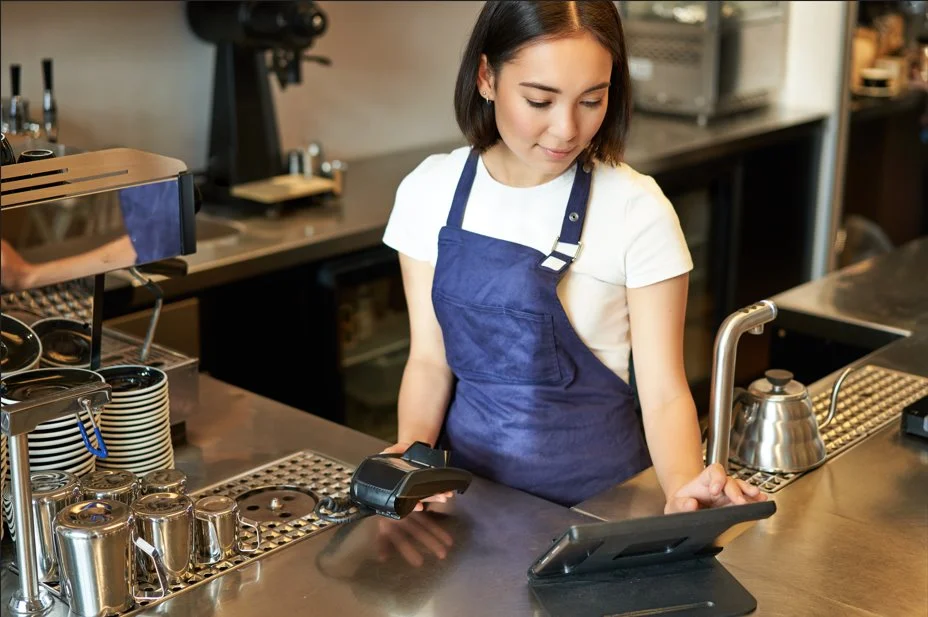
Even though many systems now run on the cloud, hardware still plays a big role. Without the physical devices, nothing really works.
Most POS setups include simple things like:
- A touchscreen terminal or tablet
- A card reader
- Receipt printer
- Barcode scanner
- Cash drawer
Customer Facing Displays
Some businesses also use a small display facing the customer. It shows the bill or order so the customer can see the total.
Hardware Requirements for Restaurants
In restaurants, the hardware usually needs to be strong because the environment is busy. Devices might be near heat, water, or constant use.
Hardware Needs in Retail
Retail shops depend more on scanners because products need to be scanned quickly at checkout.
Tablet-based POS Systems
Many small businesses also use tablet-based systems now. They are easy to move around and usually cheaper than bigger machines.
Still, the hardware choice depends on the business. What works in a café might not work in a large store. That is why many businesses search for the best POS for restaurants, retail, and salons when selecting their systems.
Payments are Changing a Lot
Modern Payment Methods
Payments have changed quite a bit over the years. Cash is still used, but many people now prefer cards or phones.
A modern POS system usually accepts:
- Credit cards
- Debit cards
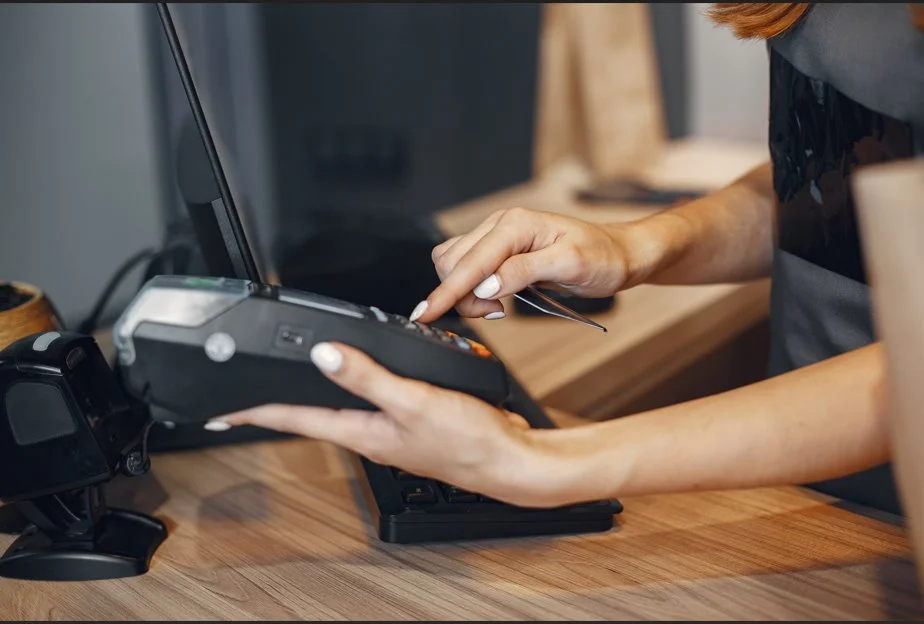
- Contactless tap payments
- Mobile wallets
- Gift cards
Contactless Payments
Contactless payments became very common recently. Customers tap their card or phone, and the payment is processed.
Mobile Wallet Growth
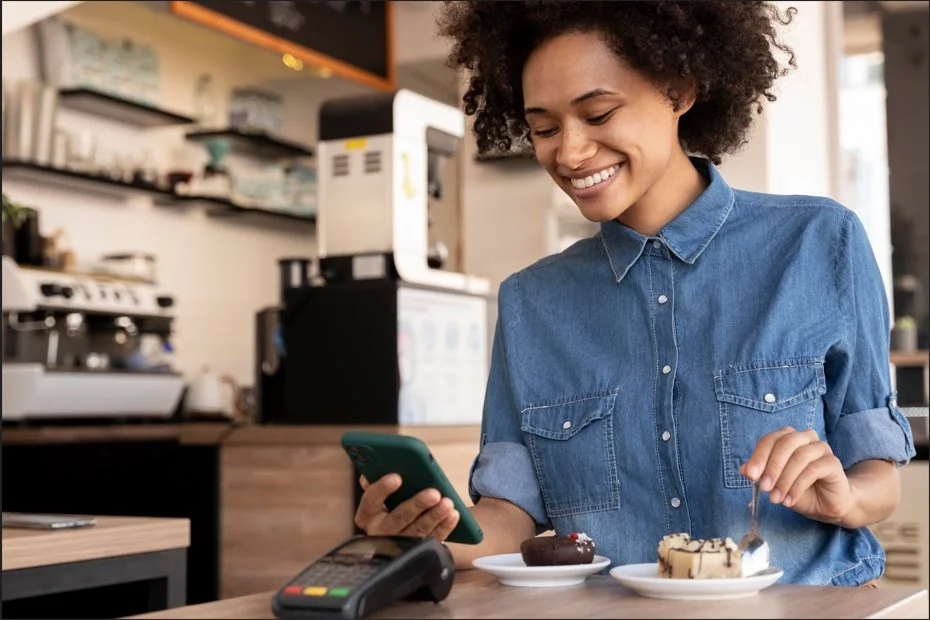
Mobile wallets like Apple Pay or Google Pay are also growing. Some people find it easier to pay with their phone rather than using a card.
Split Payments in Restaurants
Restaurants sometimes deal with split payments. Groups of people might want separate bills. POS systems now make this possible.
Payment Security
Security is also part of the payment process. Payment providers usually protect card information through encryption.
Integrated Payment Systems
Some POS systems also connect directly with payment processors. This means transactions automatically appear inside the sales reports.
Businesses choosing POS systems for different verticals often prefer integrated payments because it simplifies financial tracking.
Offline Mode is Useful Sometimes
Why Internet Outages Matter
Many POS systems depend on Internet connections, but Internet problems still happen, which is why businesses often ask can you run a POS system without internet.
How Offline Mode Works
If the connection stops working, some systems switch to offline mode. Understanding how offline POS mode works can help businesses prepare for outages more effectively. In this mode, the POS can still record sales on the device. Later, when the Internet connection is restored, the system sends the stored data to the cloud.
Offline Mode in Restaurants
Restaurants benefit from this a lot because they cannot stop taking orders during busy hours.
Offline Mode in Retail
Retail stores also experience rush periods where systems need to keep running.
Limitations of Offline Mode
Offline mode is not perfect though. Some features may pause until the Internet works again. Reports or online syncing might not update immediately. But at least businesses can continue selling instead of stopping completely.
Restaurants Need Special Features
Fast Moving Restaurant Environment
Restaurants usually work very fast. Orders go from customers to the kitchen quickly, and mistakes can easily happen.
Restaurant POS Features
Restaurant POS systems often include features like table tracking, kitchen display screens, and split billing, but it also helps to know what to look for in a restaurant POS system before making a final decision.
- Table tracking
- Kitchen display screens
- Order notes
- Split bills
- Tip tracking
Table Tracking Systems
Table tracking helps servers know which orders belong to each table.
Kitchen Display Systems
Kitchen screens show orders digitally so chefs can see them quickly. Some places still use paper tickets.
Order Modifiers and Notes
Order notes are important too. Customers often ask for changes like extra toppings or removing ingredients.
Split Billing
Split bills are common when groups pay separately.
These features make restaurant POS systems quite different from retail systems. This is exactly why POS systems for different verticals are becoming more popular.
Retail Businesses Focus on Products
Inventory Management
Retail stores mostly deal with products and inventory, so having essential POS inventory management features becomes very important for smooth daily operations. Retail POS systems usually include things like:
- Inventory tracking
- Barcode scanning
- Product variations
- Sales reports
Product Variations
Product variations are common in clothing stores where one item may come in different sizes or colors.
Retail Sales Reports
Sales reports give a general idea of what products sell well.
Customer Loyalty Programs
Some stores also use loyalty programs so customers can earn rewards. Retail systems are usually built to manage stock and product data.
Salons Work Differently
Service-based Business Model
Salons and service businesses operate differently from restaurants and retail shops. Their main focus is appointments.
Salon POS Features
Salon POS systems often include:
- Appointment booking
- Staff schedules
- Service menus
- Customer profiles
Appointment Scheduling
Appointment tools help stylists manage their day and see upcoming bookings.
Customer Profiles
Customer profiles can store details about previous visits.
Service Menu Management
Service menus make it easier to add treatments to the bill. These systems are usually designed to support scheduling more than product sales.
Vertical POS Systems are Becoming Common
Industry Specific POS Solutions
One interesting trend is vertical POS systems. These are systems designed specifically for certain industries. Instead of trying to work for every type of business, they focus on one area.
POS Systems for Restaurants
Restaurant systems focus on kitchen and table tools.
POS Systems for Retail
Retail systems focus on inventory management.
POS Systems for Salons
Salon systems focus on appointments.
Because they are built for specific industries, they sometimes feel easier for staff to use. Businesses usually choose systems based on what fits their workflow.
What Our Clients Say
Before choosing any service, many customers are not fully aware of what their business actually needs. Industry requirements, hardware choices, and system features can feel confusing at first, which often leads to uncertainty when making a decision.
We guide all our customers through the entire process, from understanding their industry requirements to selecting the right machines. This Trustpilot testimonial stands as a testament to this approach, showing how proper guidance can turn initial confusion into a smooth and confident transition toward better daily operations.
“Getting Square register from swyft POS has improved the way we handle payments. The system is really reliable. Training my team at the beginning was slightly challenging, but their support helped us through it.”
Reviews like this help new clients understand how we work and what they can expect. It also shows that we try to support our customers throughout the whole journey.
Final Thoughts
Restaurants, retail stores, and service businesses all have different needs. Because of that, POS systems are designed in different ways. Understanding these parts can help businesses choose tools that support daily work instead of making things harder.
Technology will probably continue changing, but the basic goal remains the same. Businesses want systems that help them serve customers smoothly and manage operations without too many complications. If you also want to upgrade, then reach out to Swyft POS right away!
FAQs
What makes POS systems different across industries?
Different industries have unique workflows. Restaurants need table tracking, retail needs inventory tools, and salons focus on appointments, so POS systems are designed to match each business.
Why is hardware still important in POS systems?
Hardware enables transactions to happen in real life. Devices like terminals, scanners, and printers ensure smooth operations, even when software is cloud-based or mobile.
What payment methods should a modern POS system support?
A modern POS should support cards, contactless payments, mobile wallets, and gift cards. This flexibility helps businesses meet customer expectations and improve checkout speed.
How does offline mode help businesses?
Offline mode allows businesses to continue processing sales without the Internet. Data is stored locally and synced later, helping avoid disruptions during outages or busy periods.
What features are essential for restaurant POS systems?
Restaurant POS systems need table tracking, kitchen displays, order notes, split billing, and tip management to handle fast-paced service and reduce errors, though poor setup can still slow operations.