
Running a retail store is never just about ringing people up. You’re managing stock, keeping staff on track, and trying to give customers a reason to come back. It’s a lot, and that’s before the card machine decides to freeze mid-sale. A solid retail store point-of-sale system won’t solve everything, but it can take a surprising amount off your plate. The trick? Choosing one with retail POS features that actually help in the real world, not just look good in a demo.
Top 10 Features of a Good POS System
A great POS doesn’t just process payments; it keeps your store running smoothly in the background. From faster checkouts to better stock control, here’s how it quietly makes your day easier.
Checkouts that Don’t Drive People Crazy
We’ve all stood in a slow queue, watching the person at the front tap their card three times while the machine decides if it’s in the mood to work. You don’t want your store to be that store.
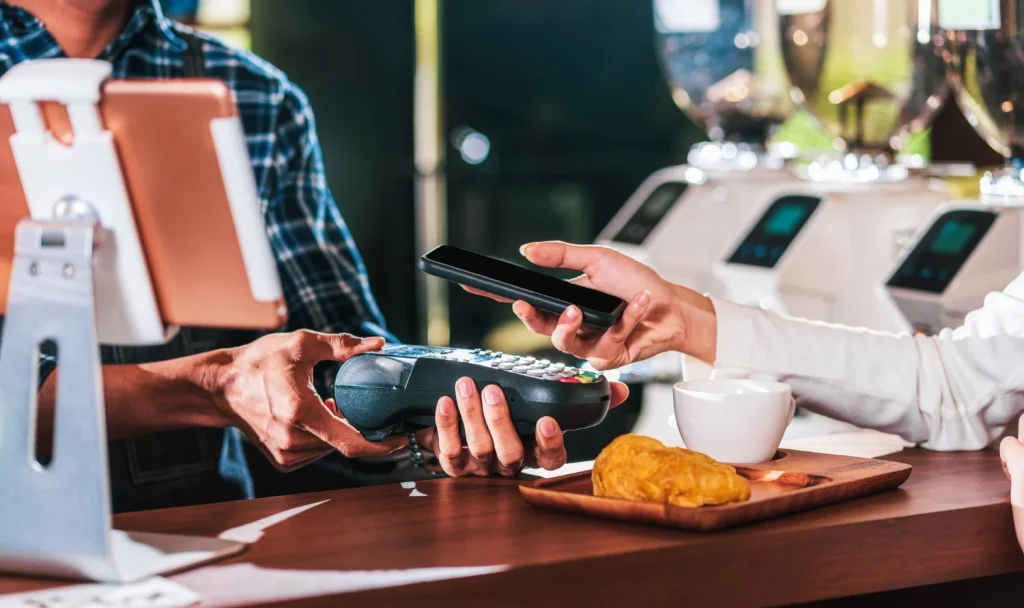
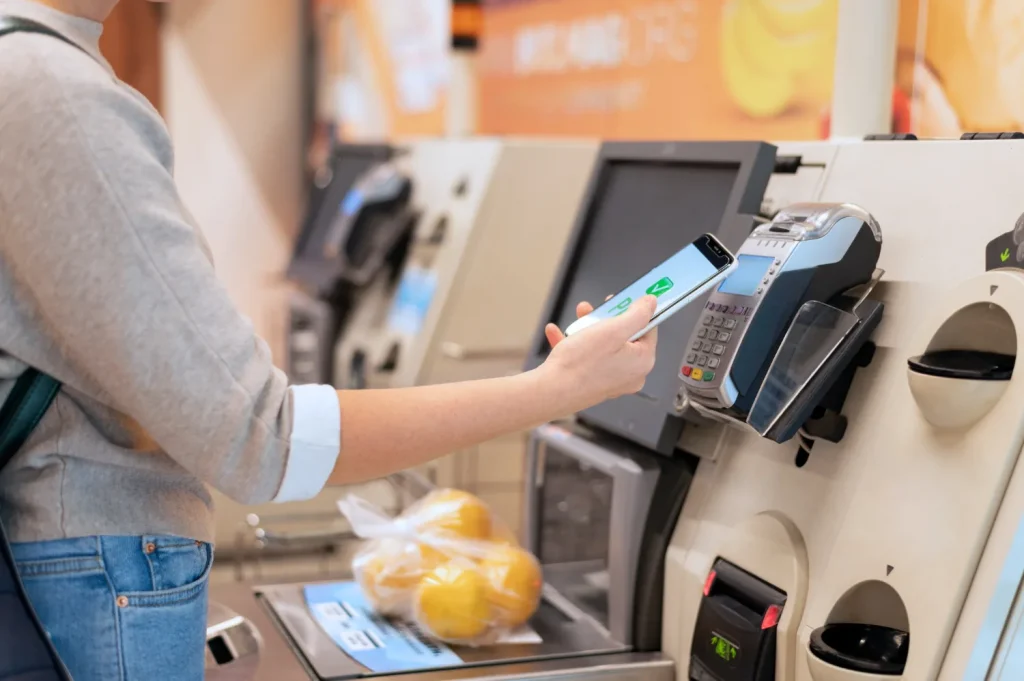
When the checkout works the way it should, customers barely notice it — they pay, smile, and walk out with their purchase. A good POS makes that possible. Whether it’s contactless, mobile wallets, or good old-fashioned chip-and-pin, it should take seconds.
And for your team, it should be so easy to use that you don’t spend half your life training people on it.
Stock that Doesn’t Surprise You
One of the worst feelings is telling a customer, “Sorry, we’re out,” when you were sure you had more in the back.
A POS with real-time inventory tracking means that if you sell something, the stock count updates instantly. No more guessing, no more “let me just check in the stockroom” when you already know it’s not there. Some systems even send you a little nudge when you’re running low so you can reorder before it’s a problem.
If you’ve got more than one location, it gets even better. This is because you can see exactly what’s in each store without picking up the phone.
Personal Touch, Without the Extra Effort
You know those regular customers who come in, and you already know what they’re going to ask for? Imagine having a retail store point-of-sale system that remembers those things for you, and not just their last purchase, but their preferences, birthdays, and even how often they shop.
That way, you can send them something they’ll actually appreciate. “Hey, the new roast from your favorite coffee brand just came in,” feels a lot more personal than a generic “20% off everything” email.
When customers feel seen, they don’t just buy more, they keep coming back.
A Team that Runs Itself (Almost)
Let Your POS Do the Teamwork
Retail is a team sport, and a smart POS system can act like your assistant coach. With individual staff logins, you can easily track who sold what, when, and how often. This makes managing commissions, performance bonuses, or even simple shout-outs so much easier — no micromanaging needed. Everyone’s accountable, and everyone gets recognized.
Fewer Spreadsheets, Fewer Headaches
With role-based permissions, you can control who can issue refunds, apply discounts, or access sensitive data. That adds a layer of security without slowing down the pace on the floor. If your POS also includes scheduling tools, you can skip the clunky spreadsheets altogether. You get more time back in your day — and your team gets more independence to do their best work.
Reports that Actually Make Sense
To be honest, we are not a “data” person. We don’t want to stare at endless spreadsheets. We want simple, clear numbers that tell me if we’re doing well or if something needs attention. A good POS can give you that.
- Real-time sales so you can see what’s working today, not last month.
- Top products so you know what to reorder first.
- Seasonal patterns that help you plan for busy and slow times.
- Staff performance so you can see who’s smashing it and who might need a bit of training.
This isn’t about getting “more reports.” It’s about getting the right ones.
Sell Anywhere Without Losing Track
People shop everywhere now — online, in-store, at markets, through Instagram. A good POS lets you keep up without losing track of your stock. Sell a pair of shoes online? Inventory updates in-store. Someone buys the last candle at your pop-up stall? Your website knows it’s gone.
It keeps everything connected so you don’t oversell or disappoint customers.
Bring the Till to the Customer
One of our favorite things about mobile POS is that you can make a sale right where the customer is standing. No lines, no “head over to the counter,” just, “I can ring you up right here.”
It’s faster, feels more personal, and is perfect for events or busy Saturdays when the counter looks like rush-hour traffic.
Payments that Just Work
We all know the awkwardness of waiting for a card machine to do its thing. Integrated payments fix that, and make life easier for you, too. The best ones:
- Approve payments in seconds.
- Keep transactions secure.
- Accept every method customers want to use.
- Handle different currencies if you need to.
No more “just one second” while you fumble with another machine.
Loyalty that Feels Like a Thank You
Loyalty programs work best when they actually mean something to the customer. With a good POS, points track automatically, rewards pop up without anyone having to remember them, and customers get a nudge when they’ve earned something.
It’s an easy way to make people feel appreciated and appreciate customers spending more.
A System that Grows with You
Your POS should be able to grow with you. Whether you open another location, start selling online, or expand your product range, it should handle it without forcing you to start over.

The right retail pos features can make your system flexible enough to grow alongside your business so it remains a long-term partner, not just a short-term solution.
View Our Latest Post: Integrating POS with Accounting: Benefits and Tools
What to Look for Before You Commit
Choosing a POS system is a bit like hiring a new team member; it needs to be reliable, easy to work with, and able to grow with you. Fancy features are great, but only if they actually make life easier on the shop floor.
Here’s a quick way to sort the “must-haves” from the “nice, but not necessary.”
| What Actually Helps | What Just Sounds Fancy |
| Easy-to-use checkout (less training time) | Custom UI themes and color schemes |
| Real-time inventory updates | 3D product carousels |
| Fast, integrated payments | Overcomplicated loyalty point systems |
| Multi-location stock visibility | “Gamified” dashboards |
| Simple, useful sales reports | Dozens of complex analytics charts |
| Solid customer support (yes, with real people) | AI chatbot that can’t answer real questions |
| Mobile checkout / POS flexibility | VR fitting room integrations (…really?) |
| Scalable pricing as your store grows | Locked-in contracts with hidden fees |
A few things to always ask:
- Is it easy to train new staff on?
- What happens if something breaks during a busy day?
- Will it still work for me a year from now?
If a system makes your day-to-day smoother, not more complicated, you’re on the right track.
Final Thought
The best POS systems don’t just process sales; they make running your store less stressful. They keep your stock in check, your team organized, your customers happy, and your sales clear.
If it’s doing all that quietly in the background, that’s when you know you’ve picked the right one.
Ready to see how the right POS can transform your store? Contact us today, and let’s find the perfect system to keep your sales smooth and stress-free.
FAQs
1. How does a POS system actually make my store less stressful?
It simplifies checkout, tracks stock in real time, organizes staff, produces clear reports, and helps you connect with customers so daily operations run smoother and more efficiently.
2. Can a POS really improve the customer experience?
Yes. Faster checkouts, accurate stock updates, loyalty rewards, and mobile payment options create a smoother shopping experience, making customers more likely to return and recommend your store to others.
3. What POS features are most important for a growing retail business?
Key features include real-time inventory management, mobile checkout, integrated payments, staff tracking, and loyalty programs that keep customers engaged while helping you stay organized and ready for expansion.
4. Why is integrated payment processing better than using separate systems?
Integrated payments speed up transactions, reduce errors, support multiple payment types, improve security, and create a seamless checkout flow for both customers and staff, saving valuable time during busy periods.
5. Can a POS system help with both in-store and online sales?
Absolutely. A connected POS syncs inventory and sales across channels, so stock stays accurate, customers have consistent experiences, and you can confidently sell anywhere without overselling or disappointing buyers.