A lot of small business owners ask this question when they’re just starting out or thinking about upgrading. When it comes to a POS system v. cash register, the decision is not always as obvious as it seems. You’ve got a cash register that works. It takes money and prints receipts. Why would you need anything more than that?
It’s a fair question.
But the answer depends a lot on where your business is right now, and where you want it to go.
Here’s a simple breakdown of what each option actually does, how they differ, and which one might make more sense for your situation.
What is a Cash Register, Really?
A cash register is a basic machine. It adds up sales, stores cash, and prints a receipt.
That’s mostly it.
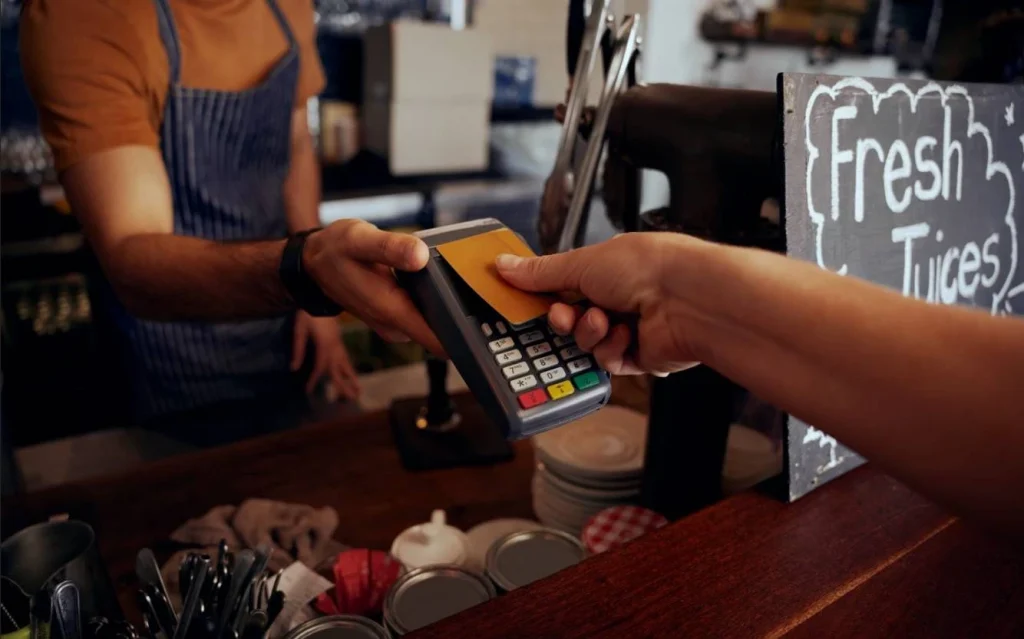
The older ones are purely mechanical. Newer electronic versions can do a little more, like apply discounts or split tenders. But they don’t connect to inventory. They don’t track customer data. They don’t generate reports you can actually use.
For very simple setups, that might be fine.
But as soon as your business grows even slightly, the limitations start to show, especially when comparing a POS system v. cash register in real business scenarios.
What Does a POS System Actually Do?
A POS system, or point of sale system, handles the transaction side too. But it does a lot more around it.
Most modern POS systems include:
• Sales tracking and reporting
• Inventory management
• Staff and shift management
• Customer data and purchase history
• Payment flexibility, including cards, contactless, and mobile wallets
• Integration with accounting software
• Cloud access so you can check things remotely
The checkout moment is just one part of it. The real value is in everything that runs alongside it.
POS System v. Cash Register: The Main Differences
Let’s keep this simple and side by side.
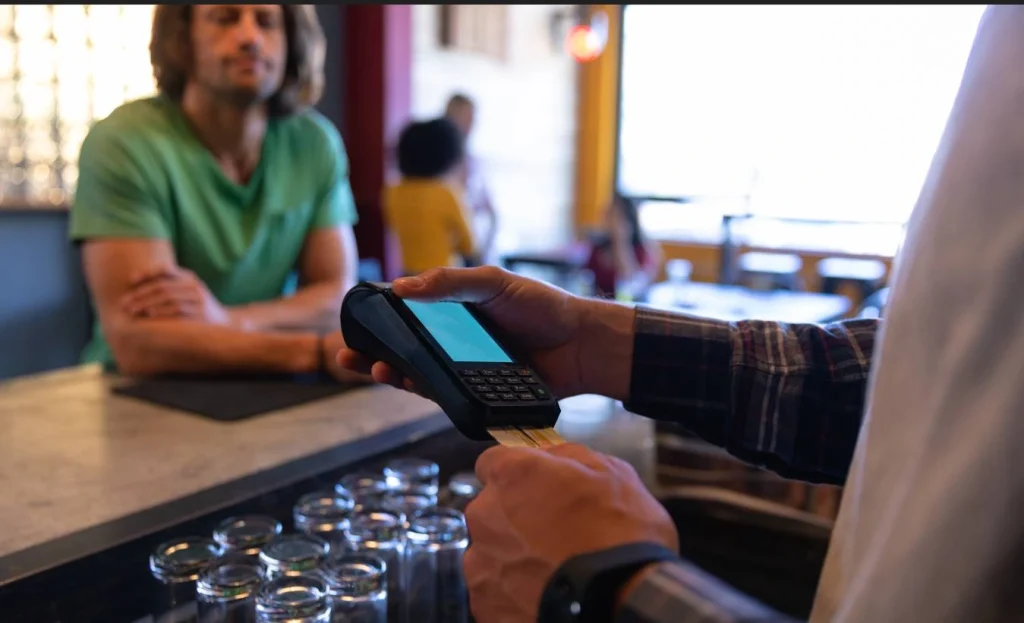
Cash Register
• Records sales
• Stores cash
• Prints basic receipts
• No inventory tracking
• Limited or no reporting
• Usually, no card payment is built in
• Works offline by design
• Lower upfront cost
POS System
• Records sales
• Accepts multiple payment types
• Tracks inventory automatically
• Generates detailed reports
• Manages staff logins and permissions
• Connects to other business tools
• Can work offline with syncing
• Scales with your business
The gap between the two has gotten much bigger in recent years. Modern POS systems are easier to use than ever, and many are surprisingly affordable for small businesses.
When a Cash Register Still Makes Sense
Let’s be honest. Not every business needs a full POS system right away.
A cash register might still work if:
• You run a very small operation with one or two products
• Most of your customers pay in cash
• You don’t need inventory tracking
• You have no plans to scale soon
• You’re working with an extremely tight budget
Some market stalls, simple food stands, or hobby-based businesses fall into this category. There’s no shame in starting simple.
But once you add staff, grow your product range, or start accepting cards regularly, a cash register starts holding you back more than helping you.
When a POS System Makes More Sense

For most small businesses, a POS system becomes the smarter choice fairly quickly.
Consider switching if:
• You carry multiple products or manage inventory regularly
• You want to accept card and contactless payments easily
• You need reports to understand what’s selling and what’s not
• You have more than one employee handling the register
• You want to avoid manual stocktaking
• You’re planning to grow
The time you save on manual tasks alone usually justifies the switch.
What About Cash Register Alternatives?
If a traditional cash register feels outdated but a full POS setup feels like too much, there are a few cash register alternatives worth knowing about.
Tablet-based POS systems are one of the most popular cash register alternatives for small businesses right now. They’re portable, affordable, and easy to set up. You get most of the features of a full POS system without the bulk or the high cost.
Mobile POS systems are another option. These run on a smartphone or small device and are often used by market vendors, food trucks, or pop-up shops. They handle payments and basic tracking without a permanent setup.
Cloud-based POS systems give you access to your data from anywhere. If you step away from the shop, you can still check sales and inventory on your phone.
These alternatives sit between a traditional cash register and a full countertop POS system. For many small businesses, they’re exactly the right fit.
What About Cost?
This is usually the first concern.
Cash registers are cheaper upfront. A basic electronic model might cost somewhere between $100 and $400.
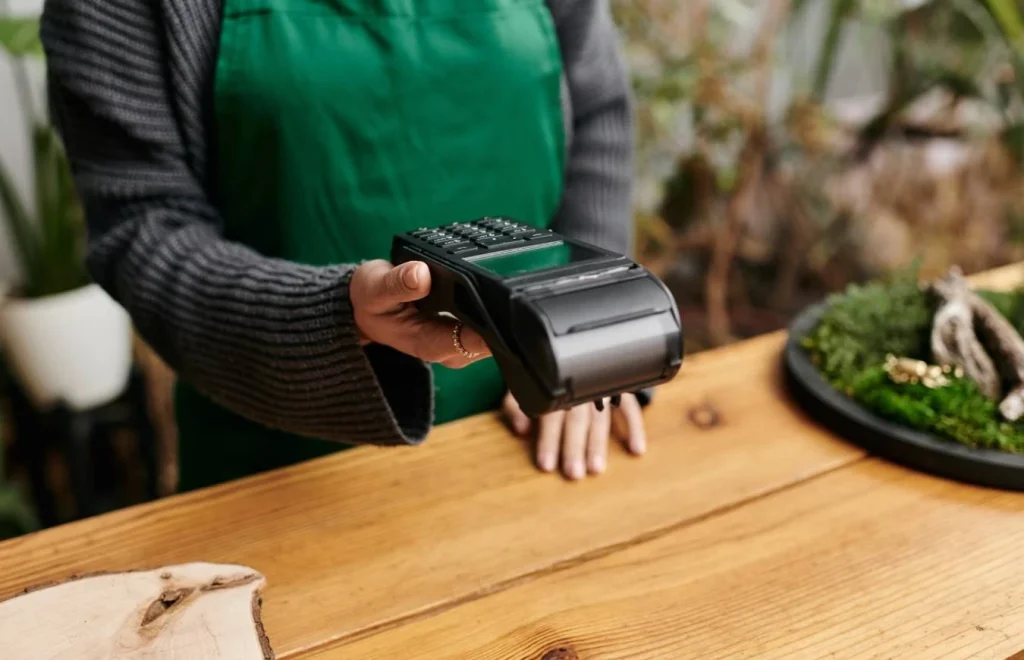
POS systems vary a lot. Tablet-based options can start quite low, especially if you already own a tablet. Some providers charge a monthly fee. Others charge per transaction.
It’s worth doing the math properly. A cash register with no reporting means more manual work, which costs you time. A POS system might have a monthly fee, but it could save you hours every week.
Cost is only part of the picture.
A Quick Word on Payments
Cash registers were built for cash. That’s their core purpose.
But customer habits have changed. Many people now prefer cards, contactless, or mobile wallets. If your register doesn’t support those, you’re potentially losing sales.
Most POS systems handle all of these out of the box. Payments are integrated, which means transactions show up directly in your reports without any manual logging.
That alone is a big reason why many small businesses make the move.
What Our Clients Say About Switching to POS
Making the switch from a cash register to a POS system can feel like a big step. But hearing from businesses that have already made that move often makes the decision much easier.
Many of our clients came to us unsure; some were comfortable with their old setup, others were frustrated with manual work and a lack of insights. Once they switched, the difference became clear almost immediately.
Here is what they often highlight:
“POS circle made upgrading our entire checkout experience unbelievably simple. They helped us choose between Toast, Clover, and a few other top brands. The installation was smooth. The difference in speed at checkout is remarkable.”
Real experiences like these show that the shift is not just about upgrading your system. It is about making your day-to-day operations simpler, faster, and more reliable, which is why many businesses actively explore cash register alternatives.
Final Thoughts
A cash register does one job. It handles the moment of sale.
A POS system handles that moment and everything around it. Inventory, reporting, payments, staff management, and growth.
For very small or very simple businesses, a cash register can still hold its own. But for most small businesses that are growing or planning to grow, the switch to a POS system makes sense sooner rather than later.
You don’t have to overcomplicate it. Start with a system that fits where you are now and can grow with you later.
Ready to upgrade your checkout and simplify your operations? Visit our website or email us today to get expert guidance tailored to your business. Let Swyft POS help you choose the right system and start saving time and increasing sales.
Frequently Asked Questions
Q1. What is the difference between a POS system and a cash register?
A cash register records sales and stores cash. A POS system does that and much more. It tracks inventory, accepts card and contactless payments, generates reports, and manages staff. For small businesses that want to grow, a POS system gives far more value than a basic cash register.
Q2. Is a POS system worth it for a small business?
Yes, for most small businesses it is. Once you start managing multiple products, accepting card payments, or handling more than one staff member, a cash register starts creating more work than it saves. A POS system automates those tasks so you can focus on running your business instead.
Q3. What are the best cash register alternatives for small businesses?
The most popular cash register alternatives right now are tablet-based POS systems, mobile POS systems, and cloud-based POS systems. They are affordable, easy to set up, and give you proper reporting and payment flexibility without the bulk or cost of older traditional setups.
Q4. Can a POS system work without the internet?
Yes. Most modern POS systems have an offline mode. If your internet connection drops, the system keeps recording sales locally on the device. Once the connection is restored, everything syncs back automatically. Your business doesn’t have to stop just because the internet does.
Q5. Is it hard to switch from a cash register to a POS system?
Not really. Most modern POS systems are designed for non-technical users. Staff usually get comfortable within a day or two. The bigger challenge is choosing the right system for your business, which is exactly where Swyft POS can help.