Technology is changing how we pay, shop, and sell. If you’re still tied to a countertop register, you’re already behind. Customers now expect fast, mobile-friendly service — and that’s where an mPOS comes in. The mobile POS’s meaning is simple: it’s a portable system that lets you take payments anywhere. From a farmers’ market stall to a busy retail chain, mPOS is redefining checkout.
Let’s break down what a mPOS is, how it works, and why it’s helping businesses grow without being tied down.
What is an mPOS?
Picture your cash register, only lighter, smarter, and ready to move when you do. An mPOS works from your phone or tablet, teamed up with a pocket-sized card reader. No cords, no counter; just quick, reliable payments wherever business happens. Whether you’re helping customers in the shop, selling fresh produce at the market, or keeping up with the rush at a festival, it’s always right there in your hand.

You don’t need expensive hardware. Just an app, a secure Internet connection, and a mobile device.
Key Features of mPOS Devices
- Runs on smartphones or tablets
- Connects to card readers via Bluetooth
- Accepts chip, swipe, and contactless payments
- Syncs to the cloud for real-time data
- Tracks inventory and sales from anywhere
See What’s New on Our Blog: POS System Features that Make Running a Store Less Stressful in 2026
Benefits of Using mPOS for Your Business
The beauty of an mPOS lies in its simplicity and flexibility. Here are some of the biggest advantages:
1. Mobility and Flexibility
No wires. No counter. No limits. With an mPOS, you can ring up sales wherever your customers are — from trade shows and flea markets to food trucks and in-home services. It’s a win for both retail and service-based businesses.
2. Lower Hardware Costs
You don’t need to invest in bulky terminals or complex installations. Your existing phone or tablet does most of the work. A mobile card reader is the only extra hardware required.
3. Faster Checkout Process
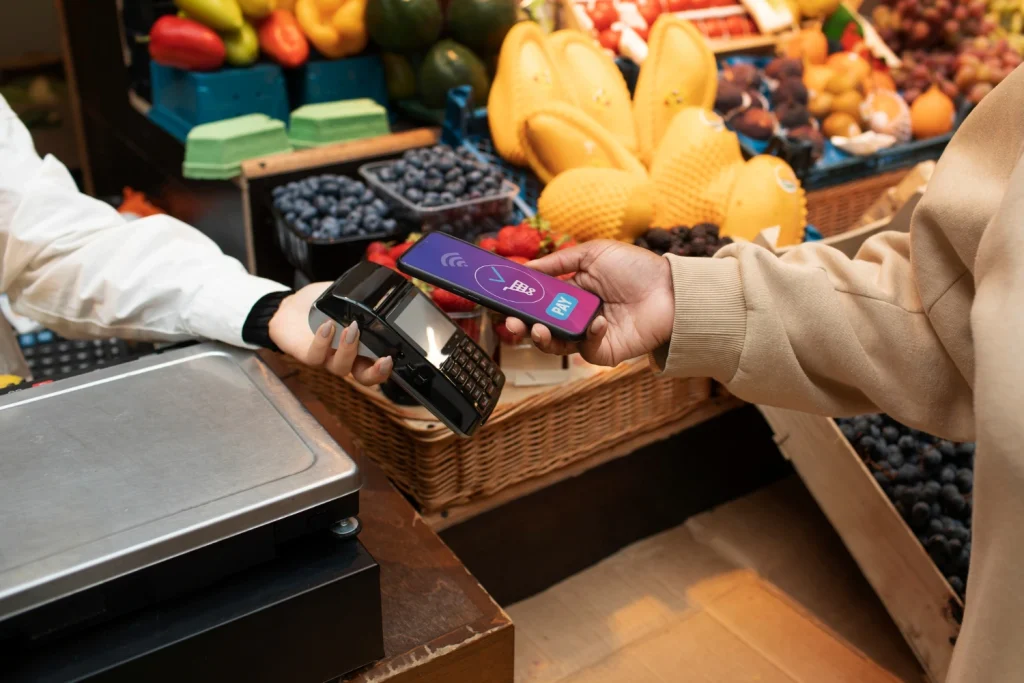
Modern mPOS systems accept tap-to-pay, mobile wallets, and chip cards, making every transaction quicker. Less waiting in line means better customer experience and more sales.
4. Real-time Tracking and Reports
Inventory and sales reports sync in real time with cloud-based dashboards. You can monitor performance, view trends, and make informed decisions even if you’re not physically present.
5. Scalable and Future-ready
mPOS systems grow with you. Whether you’re hiring more staff or opening new locations, adding new devices or terminals is quick and affordable.
The Industries Making the Most of mPOS Technology
If your business moves, your payment system should too. These industries benefit most from using mobile point-of-sale:
Best Fits for mPOS
- Food carts and trucks
- Cafés and shops
- Farmers’ markets and craft booths
- Pop-up shops and retail stalls
- Beauty salons and mobile grooming
- Home services like cleaning or repair
- Personal trainers, consultants, or tutors
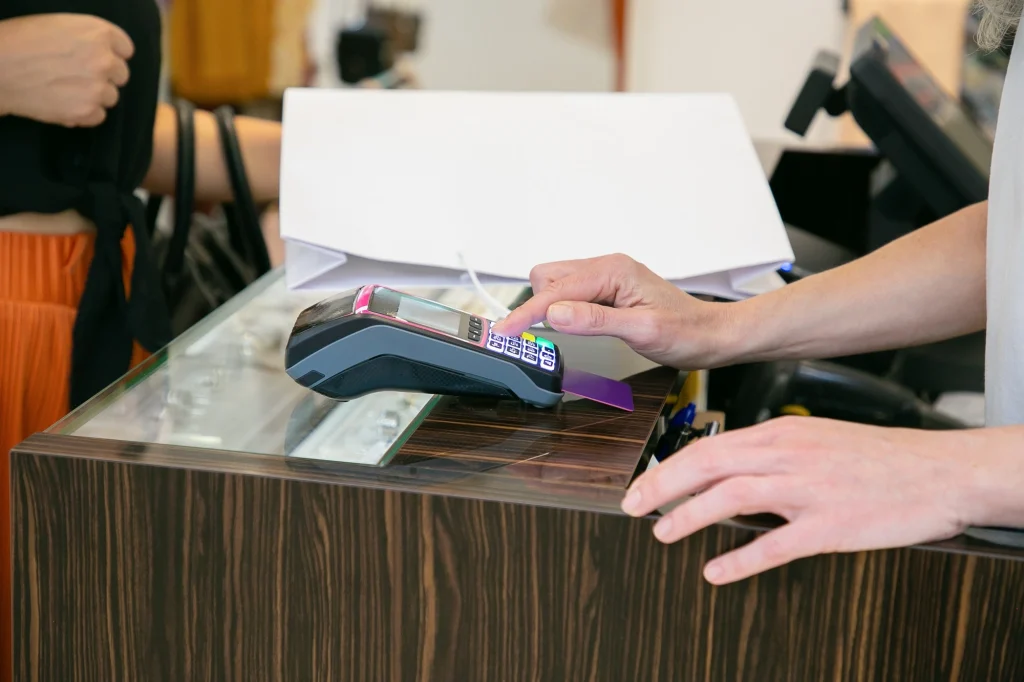
mPOS allows you to meet your customers where they are, instead of making them come to you.
mPOS vs. Traditional POS: A Quick Comparison
Here’s a side-by-side view of how mobile POS stacks up against traditional systems:
| Feature | mPOS | Traditional POS |
| Setup Cost | Low | High |
| Portability | Very High | Low |
| Internet Connection | WiFi / Mobile Data | Typically Wired |
| Maintenance | Minimal | More Frequent |
| Scalability | Easy to Add Device | Hardware Dependent |
For modern businesses that want to stay lean and flexible, the mPOS advantage is clear. Do your homework, understand the mobile pos meaning, and choose the system that best fits your needs.
How to Pick the Right mPOS for Your Business
Finding the right mobile point-of-sale isn’t just about buying the newest device on the shelf; it’s about choosing something that works the way you work. The best mPOS feels like it’s part of your routine, keeps things moving smoothly, and doesn’t slow you down when customers are waiting.
1. Start with How You Actually Work
Figure Out Your Pace
Do you have a steady trickle of customers or busy rushes where every second counts? Your sales speed will tell you if you need a simple setup or a faster, more robust system.
Think About Your Location
If you’re bouncing between markets, pop-ups, or client homes, you’ll need something light, easy to pack, and with a battery that lasts all day. If you’re mostly in one place, a stable connection and durability might be more important.
List the Features You Can’t Live Without
Whether it’s real-time inventory updates, easy sales reporting, or syncing with your accounting, write it down before you start comparing options. It’s easier to shop when you know exactly what matters.
2. Focus on What It Can Actually Do
Make it Easy for Customers to Pay
Your mPOS should take chip cards, swipes, contactless taps, and mobile wallets like Apple Pay. The last thing you want is to turn someone away because you can’t process their preferred payment.
Stay Connected Anywhere
Good systems handle Bluetooth and WiFi without dropping connections. Bonus points if they can still process sales when you’re offline, markets and events aren’t always great for the Internet.
Keep it Staff-friendly
If your team needs hours of training to figure it out, it’s the wrong choice. The right system should make sense the moment you start using it.
Put Security First
Your customers are trusting you with their card details, so don’t cut corners here. Make sure the system protects every transaction and meets all security standards.
3. Know the Full Cost Before You Commit
Watch the Transaction Fees
A few cents or a small percentage per sale doesn’t seem like much until you add it up at the end of the month. Do the math so there are no surprises.
Check for Ongoing Costs
Some systems are cheap up front but charge monthly or yearly for software. Make sure the pricing works for you long-term.
Plan for Extras
Things like receipt printers or extra card readers can be worth the spend, but add them to your budget from the start so they don’t sneak up on you.
Find the Best mPOS Now!
In an age of mobile-first everything, your business needs tools that adapt quickly. So, next time if someone asks, what is a mpos, you know it gives you the power to serve customers anywhere, process payments on the fly, and track business activity without being tied to a desk.
It’s not just about accepting cards; it’s about being more flexible, more professional, and more ready for what’s next.
If your current setup feels like it’s slowing you down, it’s time to consider an mPOS.
Frequently Asked Questions
1. Is an mPOS system secure for customer payments?
Yes! Most mPOS platforms follow strict PCI compliance and use encryption and tokenization to ensure payment data is safe.
2. Can mPOS work without Internet access?
Some systems allow offline transactions that sync later, but real-time features like reporting usually need an Internet connection.
3. What devices are compatible with mPOS apps?
iOS and Android smartphones and tablets are typically supported. Just ensure they’re updated and meet the app’s minimum requirements.
4. Is mPOS only for small businesses?
Not at all. While perfect for small startups, even large retailers use mPOS to reduce checkout lines and serve customers in-aisle.
5. How do I choose the right mPOS provider?
Compare pricing, features, ease of use, support, and integration options. Look for flexibility, security, and reliability above all.