Home / Pos Machines

POS Machines & Hardware for Every Business

Get reliable POS machines and hardware built to keep your business running smoothly. Swyft POS offers modern terminals, card readers, barcode scanners, receipt printers, and flexible payment devices for businesses of all sizes. Speed up checkout, simplify daily operations, and deliver a better customer experience with hardware that fits the way you work.

Quick Comparison Table (all devices, one glance)

Device Brand Form Factor Best For Mobility
Clover Station Duo Clover Dual-Screen Countertop POS High-volume retail, restaurants & busy counters Fixed
Clover Station Solo Clover All-in-One Countertop POS Retail stores, restaurants & service businesses Fixed
Clover Mini Clover Compact Countertop POS Small businesses with limited counter space Low
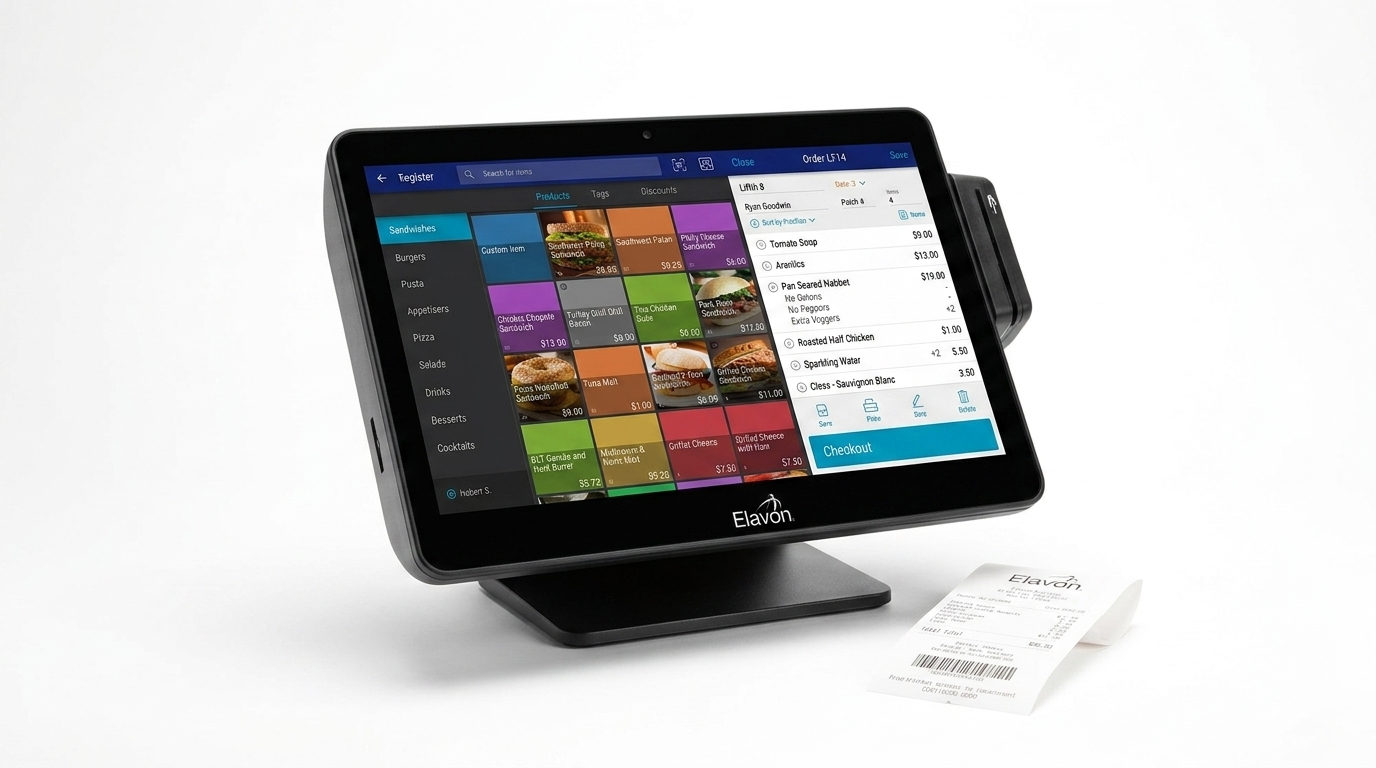
Elavon talech Register Elavon Full Countertop POS Station Retail stores & restaurants needing a complete setup Fixed
Clover Flex Clover Handheld POS Terminal Tableside service, line busting & mobile checkout High
Clover Flex Pocket Clover Lightweight Handheld POS On-the-go payments, floor sales & tableside orders High
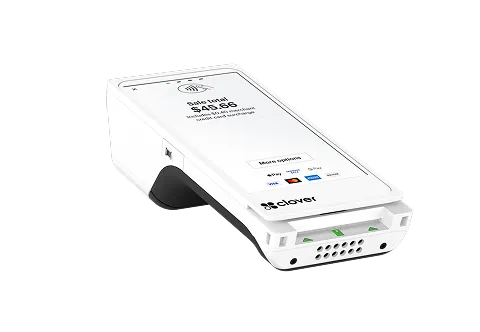
Clover Compact talech Compact Payment Terminal Simple countertop payments & smaller businesses Low
Elavon talech Terminal Elavon Smart Payment Terminal Small businesses needing flexible payment acceptance Medium–High
Clover Go Reader Clover Mobile Card Reader Mobile businesses, field services & pop-up sales High
Elavon talech Mobile Card Reader Elavon Mobile Card Reader On-the-go sellers and smartphone-based payments High
Clover Kiosk Clover Self-Service Kiosk Quick-service restaurants & self-ordering Fixed
Clover Gateway Clover Online Payment Gateway Online, remote & card-not-present payments Virtual

Shop by Category

Browse our range of POS machines, payment terminals, card readers, and gateway solutions to find the right setup for your business.

Countertop Devices

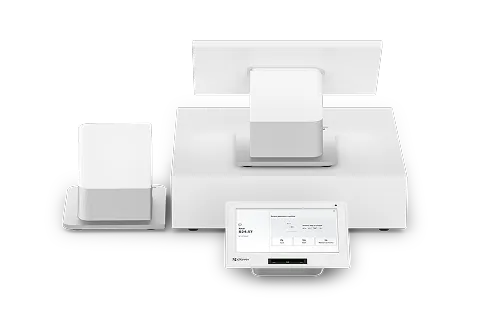
Clover Station Duo

Built for busy checkout counters

A powerful dual-screen POS system designed for high-volume restaurants, retail stores, and service businesses. The customer-facing screen keeps transactions clear while your team manages orders quickly.

  • Dual-screen setup
  • Customer-facing display
  • Fast countertop checkout
  • Supports multiple payment types
  • Ideal for high-volume businesses

Clover Station Solo

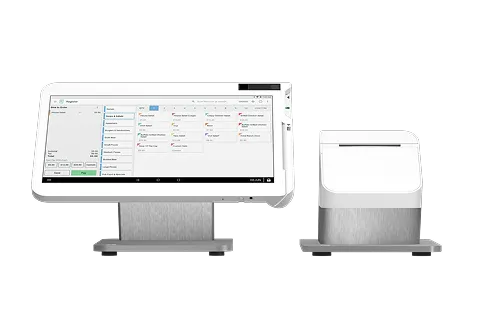
Complete countertop POS solution

Clover Station Solo combines a large touchscreen, receipt printing, and business management tools in one reliable setup. It works well for businesses that need a dedicated checkout station.

  • 14-inch touchscreen
  • Integrated POS functionality
  • Receipt printer included
  • Inventory and sales management
  • Ideal for retail and restaurants

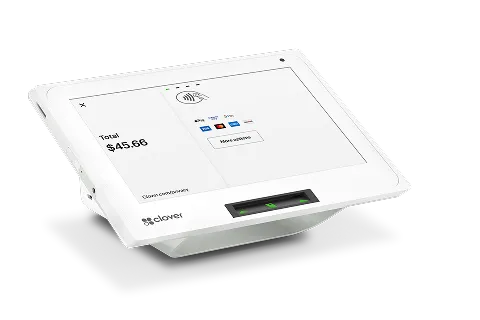
Clover Mini

Full POS power in less space

Clover Mini delivers essential POS features in a compact countertop design. It is a practical choice for businesses that want powerful checkout capabilities without using too much counter space.

  • Compact countertop design
  • Accepts customer payments
  • Order management
  • Business reporting tools
  • Great for smaller counters

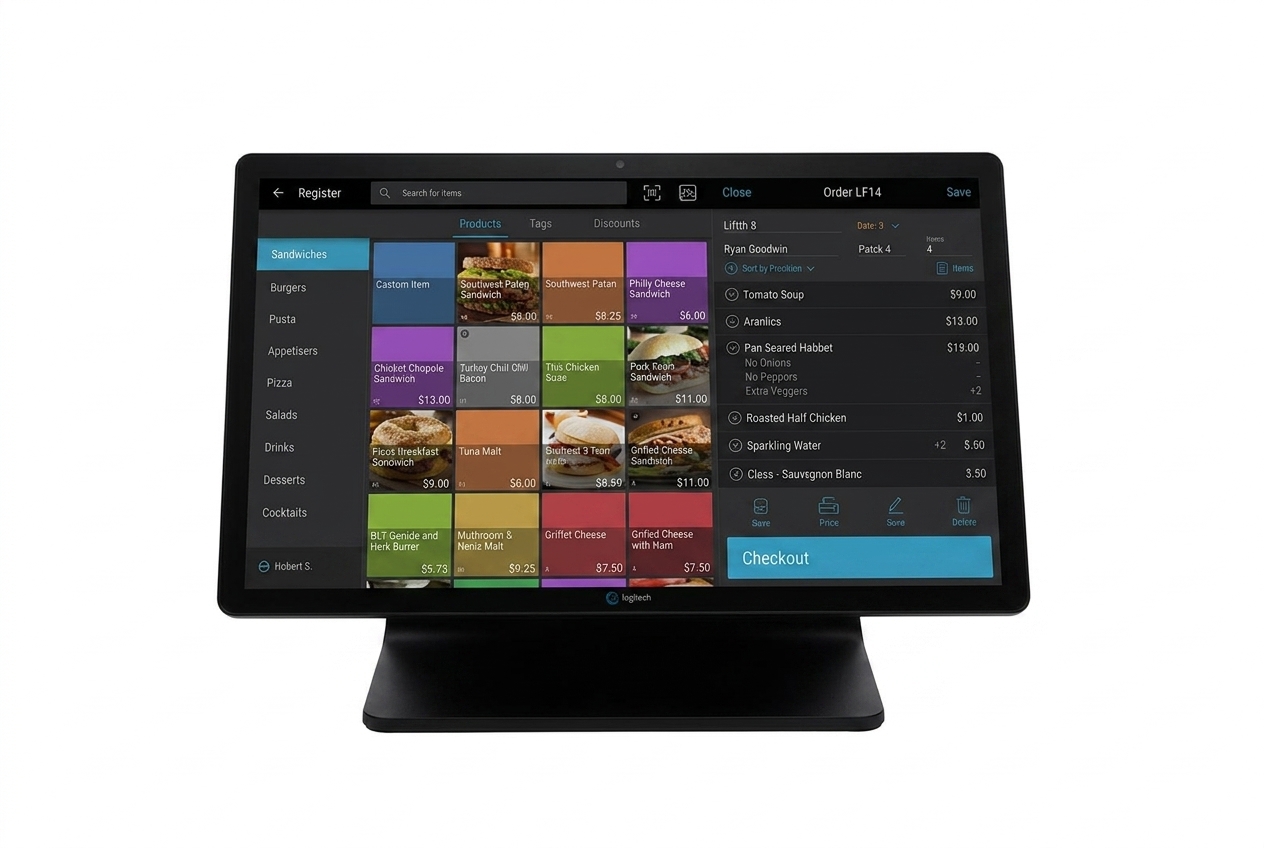
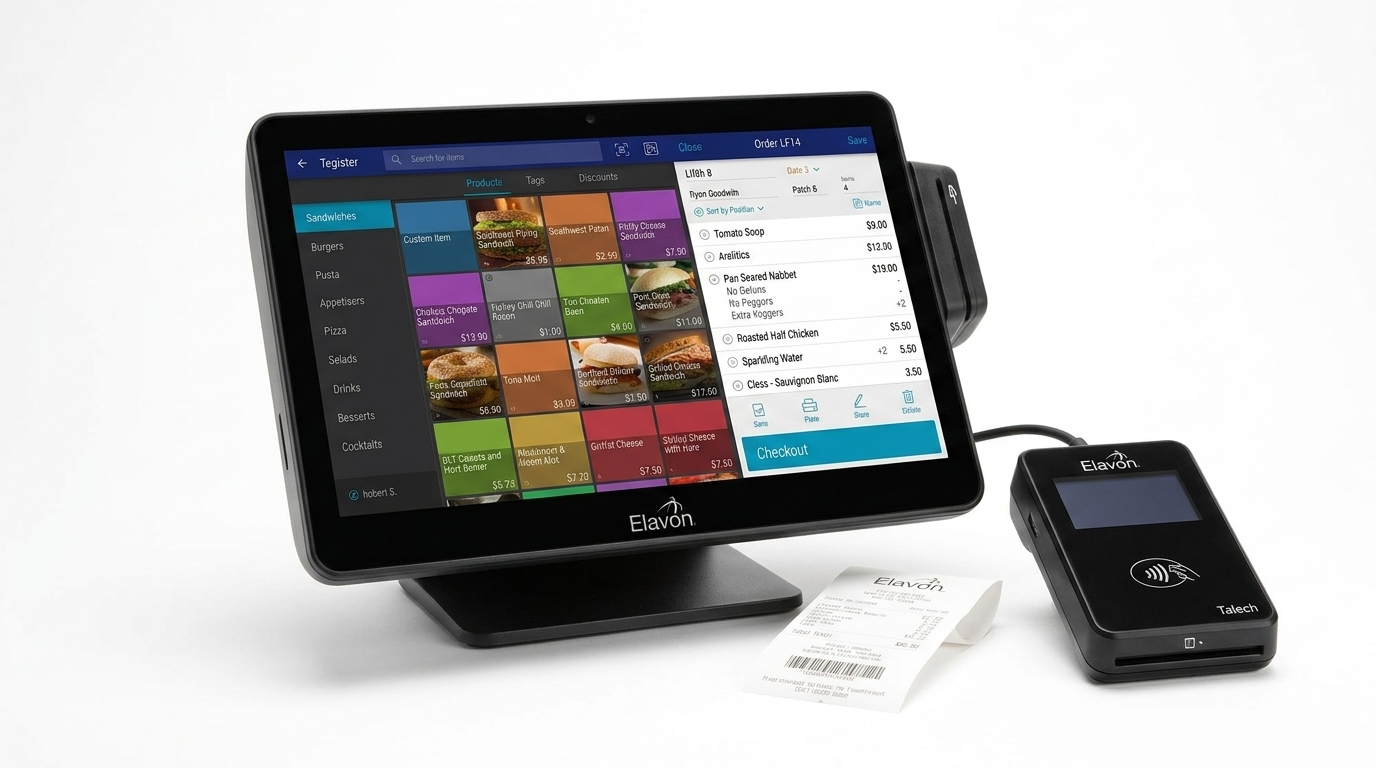
Elavon talech Register

All-in-one business and payment system

Elavon talech Register brings payments, inventory, reporting, and order management together in one complete POS setup. It is designed for retail, restaurant, and service businesses.

  • All-in-one POS system
  • Inventory management
  • Sales reporting
  • Customer-facing functionality
  • Built for daily business operations

Portable / On-the-Go Devices

Clover Flex

Take payments wherever business happens

Clover Flex is a handheld POS device built for mobile checkout, tableside ordering, and line busting. Your team can accept payments and manage transactions without staying behind the counter.

  • Handheld POS terminal
  • Mobile payment acceptance
  • Built-in receipt printer
  • Barcode scanning support
  • Ideal for tableside service

Clover Flex Pocket

Lightweight mobile POS for busy teams

Clover Flex Pocket gives employees a compact way to take orders and payments around the business. Its lightweight design makes it useful for restaurants, retail floors, and mobile sellers.

  • Lightweight handheld design
  • Mobile checkout
  • Digital receipts
  • Full-day battery capability
  • Easy to carry

Elavon talech Terminal

Flexible payments without the fixed counter

Elavon talech Terminal is designed to help small businesses accept payments using flexible mobile or fixed hardware. It combines simple payment acceptance with useful business management capabilities.

  • Mobile or fixed setup
  • Flexible payment acceptance
  • Business management tools
  • Easy transaction processing
  • Ideal for growing businesses

Self-Service Devices

Clover Kiosk

Give customers control of their orders

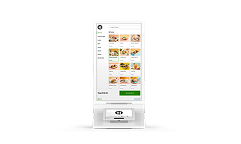
Clover Kiosk provides a self-service ordering experience that can help reduce counter congestion and speed up restaurant service. Customers can browse, customize, order, and pay from one station.

  • Self-service ordering
  • Large commercial display
  • Integrated payment terminal
  • Built-in receipt printer
  • Ideal for quick-service restaurants

Card Readers & Add-Ons

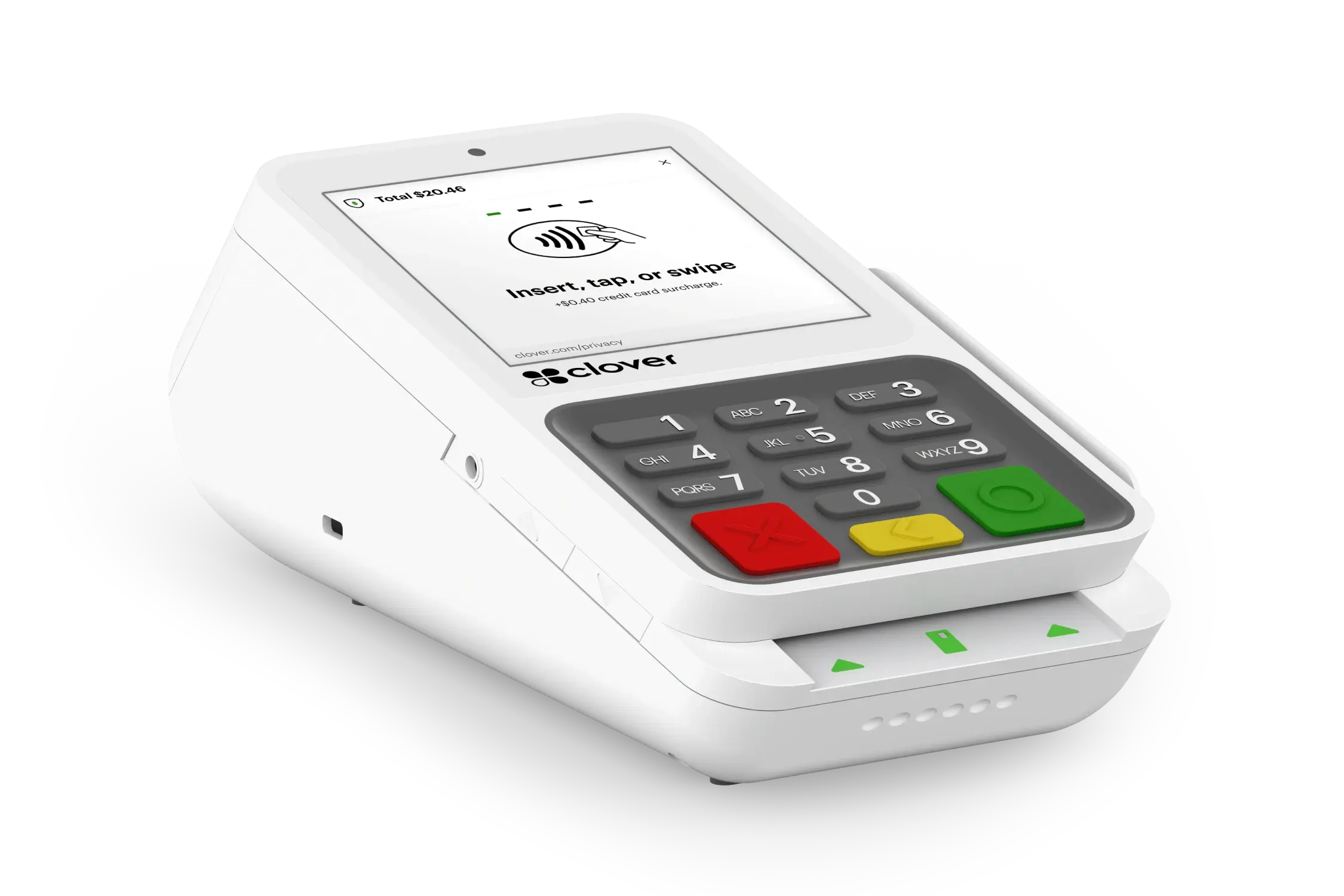
Clover Compact

Simple payments in a compact design

Clover Compact is a sleek countertop payment terminal for businesses that want straightforward card acceptance without a large POS footprint.

  • Compact payment terminal
  • Countertop-friendly design
  • Card payment acceptance
  • Optional swivel stand
  • Ideal for simple checkout setups

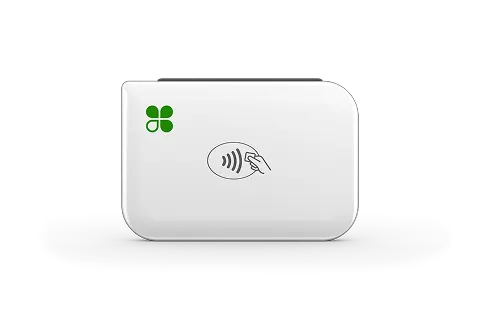
Clover Go Reader

Turn your phone into a mobile checkout

Clover Go is a portable card reader that works with the Clover Go app, making it easy to accept payments away from a traditional checkout counter.

  • Portable card reader
  • Smartphone-based POS
  • On-the-go payments
  • Optional countertop dock
  • Great for mobile businesses

Elavon talech Mobile Card Reader

Easy payment acceptance on the move

The Elavon mobile payment option is suited to businesses that need a simple way to accept customer payments away from a fixed checkout station.

  • Mobile payment acceptance
  • Portable setup
  • Supports flexible selling
  • Easy for small teams
  • Ideal for pop-ups and mobile businesses

Software-Only / Gateway Solutions

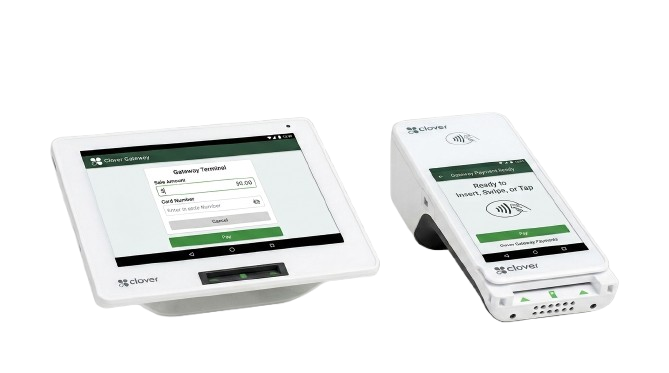
Clover Gateway

Accept payments beyond the countertop

Clover Gateway provides businesses with a flexible way to support digital and remote payment experiences without relying on a traditional physical POS station.

  • Online payment support
  • Remote transaction capability
  • Secure payment processing
  • Suitable for digital sales
  • Helps expand payment options

Clover vs. Elavon at a Glance

Feature Clover Elavon / talech Best Choice If You Need
Countertop POS options Clover Station Duo, Clover Station Solo, Clover Mini, Clover Compact talech Register, Elavon Terminal More device variety: Clover
Mobile / portable checkout Clover Flex, Clover Flex Pocket, Clover Go Elavon Terminal, Elavon Mobile Simple mobile payments: Both
Self-service ordering Clover Kiosk No dedicated self-service kiosk prominently listed on the reviewed talech pages Self-ordering / kiosk setup: Clover
Software flexibility Open platform with Clover App Market and third-party integrations Tiered software packages with features that expand by plan More customization: Clover
Online payments / gateway Clover Ecommerce + Clover payment gateway support Elavon Payment Gateway + virtual terminal support Omnichannel payments: Both
Reporting & business tools Sales, inventory, customer, and employee management tools Inventory, reporting, customer tracking, employee tools, and online ordering depending on package Business management features: Both
Best fit overall Businesses that want more hardware choices and add-on flexibility Businesses that want a simpler payments + POS setup Depends on business needs
How to Choose the Right POS Machine for Your Business
  • Transaction Volume – Estimate how many transactions you process each day. Higher-volume businesses may need faster hardware and a more powerful POS setup.
  • Mobility Needs – If your staff need to take payments directly to customers, consider a portable POS machine rather than a fixed countertop system.
  • Indoor or Outdoor Use – Think about where the POS will be used. Outdoor businesses or mobile setups may require hardware that can handle different environments and frequent movement.
  • Self-Service vs. Staffed Checkout – Determine whether customers will complete transactions themselves or whether employees will operate the POS. Self-service environments may require kiosks or customer-facing displays.
  • Integration Requirements – Make sure the POS can work with the tools you already use, such as inventory management, accounting software, online ordering, customer management, and eCommerce platforms.

Frequently Asked Questions

1. Can I use the same POS machine at multiple business locations?

Yes, many modern POS systems support multi-location management. You can usually track sales, inventory, and reporting across different stores from one dashboard.
The next step depends on the device and support plan. Some providers offer troubleshooting, replacement options, or backup payment methods to help keep transactions moving.
Some POS devices can accept offline payments when the feature is enabled, but offline support varies by device and setup. Transactions are usually submitted once the connection returns.
It depends on the POS brand, hardware, and merchant account. Some devices are tied to specific processing platforms, so compatibility should be confirmed before ordering.
Both options can make sense. Buying may reduce long-term hardware costs, while installment plans can lower the upfront expense for a new business.
Restaurants often benefit from handheld and customer-facing devices, while retail stores may need countertop systems with barcode scanners and inventory tools. Your checkout workflow should guide the choice.
Yes, many POS systems support additional accessories, but compatibility depends on the specific device. It is best to confirm supported hardware before purchasing accessories.
Usually, hardware cost and payment processing fees are separate. Processing rates can vary by provider, transaction type, business type, and agreement.
Clover offers a wider range of POS hardware and accessories, while Elavon provides flexible payment and POS options through its own ecosystem. The better choice depends on your business type and payment needs.
Yes. Portable POS machines and mobile card readers let you accept payments at tables, events, curbside, or anywhere your business operates. Devices such as Clover Flex and mobile payment solutions are designed for this use.

Not Sure Which POS Machine Is Right for You?