If you run a small business, you probably deal with payments almost every day. Customers buy something, you ring it up, they tap their card or phone, and that’s it. But the tool you use for taking payments can actually change how smoothly things run.
In the past, most stores used big cash registers sitting on a counter. Everything happened at that one spot. If there was a line, customers had to wait.
These days, many owners are switching to the best POS for small business. Instead of one fixed machine, payments can happen almost anywhere in the shop.
When the question comes up about the best portable POS system for small businesses, the answer can be a bit uncertain. It really depends on the business setup. In fact, understanding what a modern POS system actually does can help owners choose tools that match their workflow and customer needs.
So What Exactly is a Portable POS System?
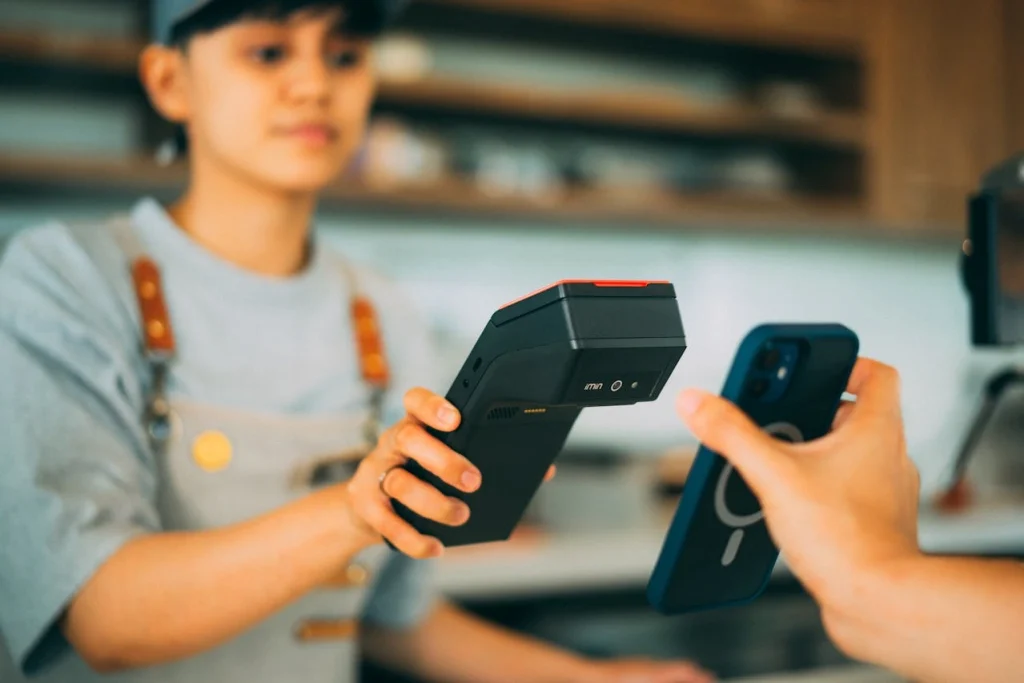
A portable POS system is usually a small device or app that lets businesses accept payments through a phone, tablet, or handheld machine.
Usually it works like this:
- You have an app installed on a phone or tablet
- A small card reader connects to it
- Customers tap, swipe, or insert their card
That’s pretty much it. Some systems also track sales or keep simple reports, but the main job is processing payments.
Many portable systems are actually part of mobile POS technology, which allows businesses to accept payments away from traditional checkout counters.
Why Small Businesses Like Portable POS Systems
There are a few reasons these systems have become popular with smaller businesses.
First, they are flexible. Staff can move around with the device instead of standing behind a counter all day.
Second, they are often easier to start using. In some cases, you just download an app and plug in the card reader.
Third, they work well for businesses that don’t have a permanent location.
For example:
- Food trucks
- Market vendors
- Event stalls
- Pop-up shops
Those types of businesses need something portable.
Basic Features Most Portable POS Systems Have
Portable POS systems vary quite a bit, but many share a few similar features.
1. Card Payment Processing
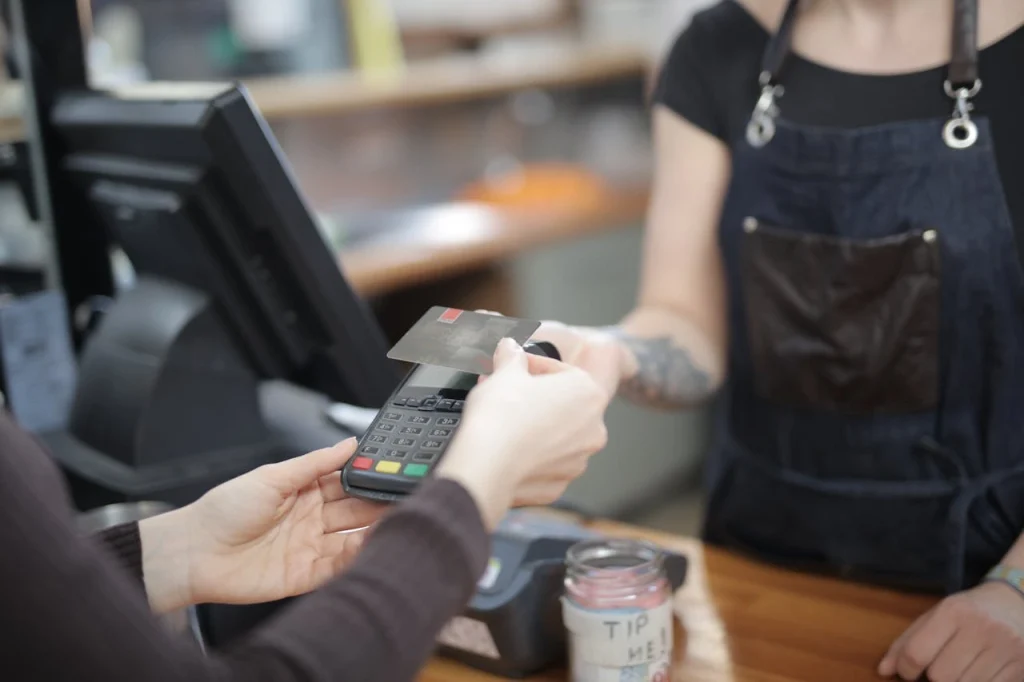
The main thing these systems do is accept payments. Most support credit cards, debit cards, and contactless payments. Many also support phone payments like Apple Pay or Google Pay.
2. Sales Tracking
Most systems automatically record transactions. That means you can usually see how much you sold in a day or week without calculating everything manually.
These reports can also help business owners understand how their POS analytics and sales optimization works over time.
3. Inventory Tools
Some POS systems track inventory, but the level of detail varies. For example, when an item sells, the system might reduce the stock count. But in simpler systems, this feature can be pretty basic.
4. Digital Receipts
Instead of printing paper receipts, some systems send receipts through email or text.
Many customers actually prefer this now.
Some Portable POS Systems Businesses Use
There are a lot of POS providers, and new ones seem to appear every year. A few names come up often when people compare systems.
1. Square POS
Square is probably one of the most widely known POS systems. It’s popular partly because it’s simple to start using. You can connect a small card reader to a phone or tablet and begin accepting payments.
Square also includes basic reporting and some inventory features. But like most systems, it charges transaction fees for payments.
2. Shopify POS
Shopify POS is popular with brands that also sell online through Shopify. Both online and in-store sales can connect together. When a product sells in the shop, the inventory online usually updates, which helps avoid stock mistakes.
3. Clover POS
Clover offers several POS devices and portable payment machines. Businesses sometimes choose Clover because it supports extra apps. These apps can add things like loyalty programs or staff scheduling. The system can take a little time to set up though.
4. Lightspeed POS
Lightspeed POS is often used by retailers managing large inventories. It offers tools for tracking stock and reviewing sales reports. Still, for very small businesses, it might feel a bit more advanced than necessary.
Things to Think About Before Choosing One
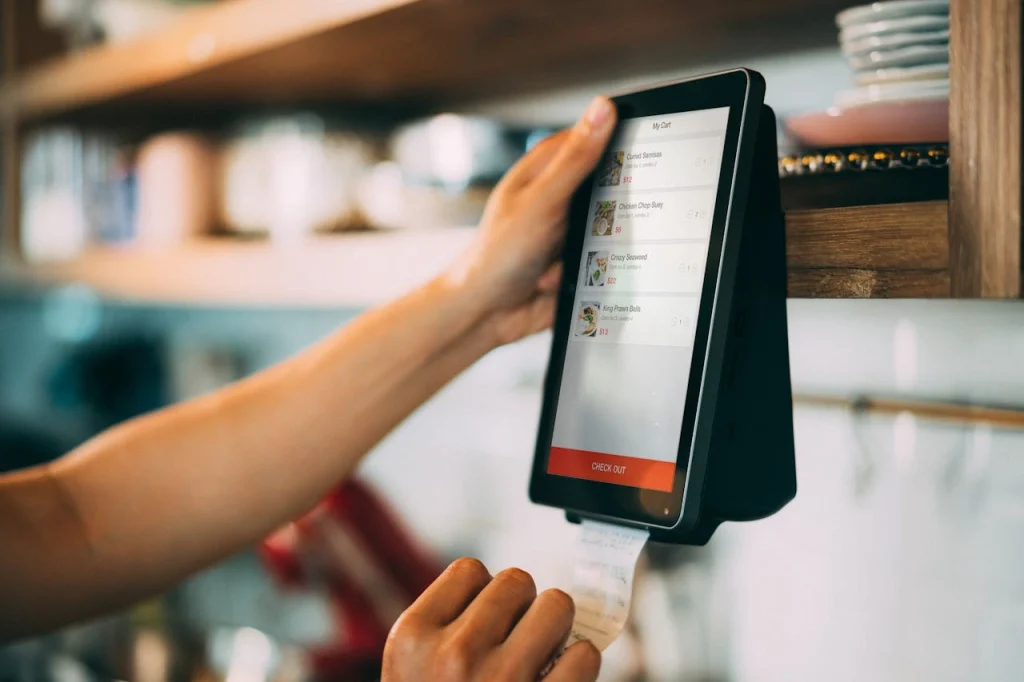
When choosing the best POS system for mobile business, there are a few things businesses usually consider.
1. Cost
POS systems usually charge fees for card payments.
Some also have monthly subscription plans.
The total cost depends on how often the system is used.
2. Ease of Use
A POS system should be simple enough for employees to learn quickly.
If the system is confusing, it can slow down checkout.
Many small businesses prefer straightforward systems.
3. Device Compatibility
Some POS systems work with regular phones or tablets.
Others require specific hardware devices.
Checking compatibility beforehand is a good idea.
4. Payment Options
Customers expect different payment options.
The Best POS for small business support:
- Chip cards
- Tap payments
- Mobile wallets
Having several options makes checkout easier.
Benefits of Portable POS Systems
Portable POS systems offer several advantages compared to traditional cash registers.
For one thing, they allow payments to happen anywhere.
They can also reduce waiting time because employees can process payments directly with customers.
Another benefit is that portable systems usually require less equipment, which can reduce setup costs.
Possible Downsides
Portable POS systems are useful, but they aren’t perfect.
Some systems rely heavily on internet connections. If the connection is weak, transactions may take longer.
Another issue can be device security. Since payments are processed through mobile devices, those devices need to be protected.
Also, some features might require extra subscription plans.
Final Thoughts
The best POS system for mobile business basically lets businesses accept payments almost anywhere using a phone or tablet. That alone makes things a lot easier for many small businesses. You will often hear about systems like Square, Shopify POS, Clover, or Lightspeed. They all work a little differently and the pricing can vary too.
At the end of the day, the best one usually depends on how the business actually operates. For most small businesses, the goal is simple. They just want something reliable, easy to understand, and flexible enough for everyday sales. If you want to upgrade now, then reach out to Swyft POS.
FAQs
1. What features should a portable POS system for small businesses include?
A portable POS system should include easy payment processing, inventory tracking, simple reports, and mobile compatibility to support everyday sales operations.
2. Are portable POS systems suitable for small retail businesses?
Yes, portable POS systems help retail businesses accept payments anywhere, manage products, and track sales without needing large checkout setups.
3. Do portable POS systems support different payment methods?
Most portable POS systems support multiple payment methods, including cards, mobile wallets, and contactless payments, which helps businesses serve more customers.
4. How much does a portable POS system usually cost for small businesses?
Costs can vary depending on features, devices, and subscription plans, but many systems offer affordable options designed specifically for small businesses.
5. Can portable POS systems work without Internet connection?
Some portable POS systems offer offline mode, allowing businesses to continue accepting payments and syncing data later when internet connection returns.