Running a business looks simple from the outside. You sell products, earn revenue, and keep things moving. But behind the scenes, there’s a lot more going on. One area that often gets overlooked is small losses at checkout. Not always obvious theft, just minor gaps that quietly add up over time.
And yeah, a POS system helps with that. Maybe not perfectly, but definitely more than nothing, especially when it comes to POS system security.
The Problem Most Businesses Don’t Notice Early
A lot of business owners assume theft means something obvious. Like cash disappearing or products going missing in bulk. But that’s not usually how it starts.
It’s more like:
- A refund that shouldn’t happen
- A discount given randomly
- An item not scanned but handed over
- A transaction edited later
Individually, these don’t look serious. But over weeks or months, it starts to show.
The tricky part is that, without a system, you don’t really know where it’s happening or how to prevent fraud at checkout effectively.
Sometimes owners only realize something is wrong when numbers don’t match at the end of the month. And by then, it’s already been happening for a while.
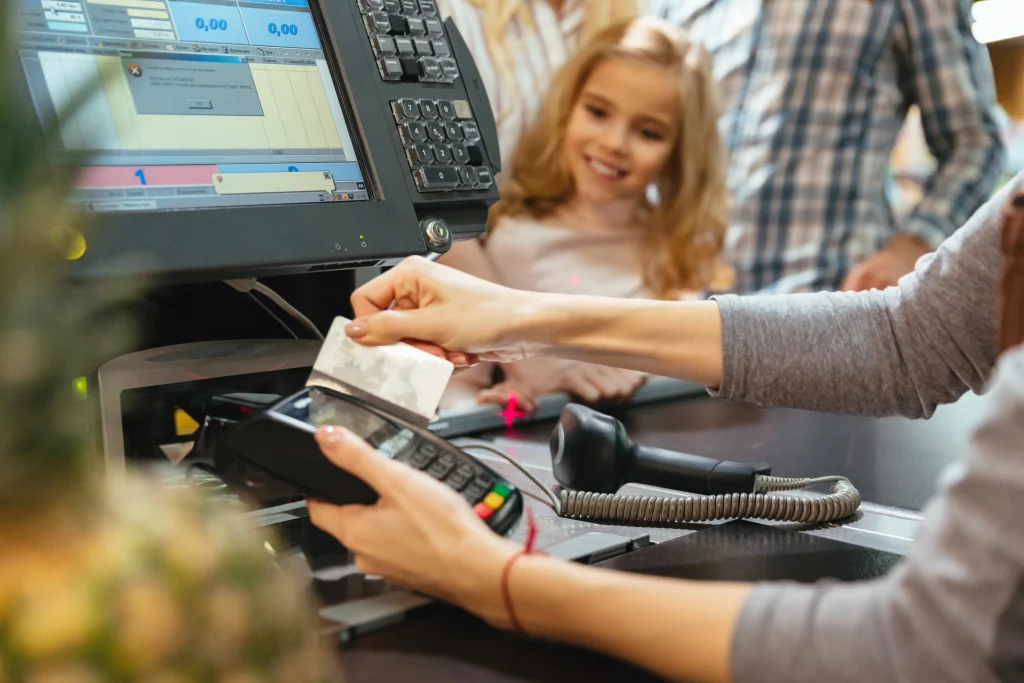
Checkout is Kind of a Sensitive Area
The checkout counter is busy. Things move fast. People are tired. Customers are waiting. That’s where mistakes happen. And sometimes, not just mistakes.
Cash handling especially makes it harder to track things properly. If something goes wrong, you’re often left guessing.
And guessing is not a great way to run a business. That’s where a POS system changes things a bit.
It Records Almost Everything (Even Small Stuff)
One thing POS systems do well is track activity. Every sale, refund, and even small edit is usually recorded somewhere.
So instead of trying to remember what happened, you can actually check. It’s not always super clean or easy to read, but at least the data is there. Even something small like a price override or a cancelled item can show up in logs. You might not check it daily, but when you need it, it’s there.
How Retail POS Analytics Can Increase Your Store Sales in 2026 helps you turn this data into real insights, so you can understand patterns, improve decisions, and grow your sales more effectively.
Employees Know They’re Being Tracked
This alone changes behavior a lot. When each employee has their own login, every action is tied to them. So if someone is doing too many refunds or weird discounts, it shows up.
You don’t even need to confront anyone right away. Just knowing it’s being tracked usually keeps things under control. It creates a sort of silent accountability and helps prevent fraud at checkout without constant supervision.
Refunds and Voids Become Less Risky
Refunds are one of the easiest ways to misuse a system. Someone can refund an item that was never returned, or issue money back to themselves or a friend. Without records, it’s hard to prove anything.
With a POS system:
- Refunds are logged
- Time and user are recorded
- Patterns start to appear
If one person keeps doing refunds more than others, it becomes noticeable. You might still need to investigate, but at least you have something to look at.
Inventory Tracking Helps
Most POS systems connect sales with inventory. So when something is sold, stock updates. If something goes missing without being sold, it creates a mismatch.
Now, it’s not always accurate. Sometimes it’s just counting errors. Or maybe items were misplaced. But still, it gives you a rough idea that something is off. And honestly, that’s better than having no clue at all.
You Can See Reports (Even if You Don’t Check Daily)
Reports are one of those features people ignore at first.
But they can show things like:
- Who made the most sales
- Who gave the most discounts
- How many refunds happened
It’s not about checking every day. Even once a week can show patterns. And patterns are where problems usually hide. Sometimes, just noticing “this looks odd” is enough to dig deeper and improve POS system security, especially when evaluating What is the Best Portable POS System for Small Business?
Less Cash, Less Headache
Cash is always harder to manage. It’s easy to lose track, easy to miscount, and easy to misuse. POS systems encourage digital payments, which are easier to track. Even if you still use cash, at least the system tells you what should be in the drawer.
If it doesn’t match, you know something went wrong. It does not tell you exactly why, but at least you know where to start looking.
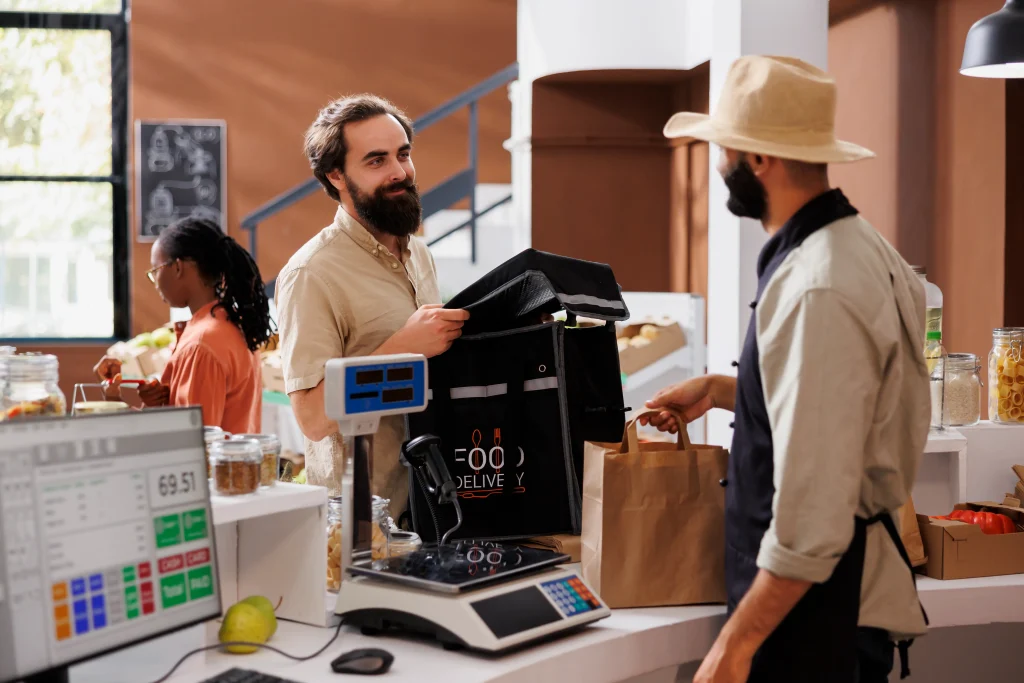
It Also Protects Employees (Which People Forget)
Not everything is theft. Sometimes employees just make mistakes. Wrong change, wrong item, wrong button. It happens, especially during rush hours.
A POS system keeps a record, so you can actually see what happened instead of blaming someone without proof. It kind of makes things fair for everyone. And honestly, that helps with team trust too.
It’s Not a Magic Fix Though
It would be nice if installing a POS system solved everything. But it doesn’t.
You still need:
- Basic rules for staff
- Clear refund policies
- Occasional checks
- Some level of supervision
The system helps, but it won’t stop someone who is really determined to cheat. And sometimes people find ways around systems too. That’s just reality.
Small Habits Start Changing
One thing that’s interesting is how small habits change after using a POS system for a while. Employees start double-checking things more. Managers rely less on memory. Even simple tasks feel more structured. It’s not dramatic, but over time it adds up. Things feel more controlled, even during busy hours.
The Bigger Impact is Awareness
The biggest benefit is not just tracking. It’s awareness. Once you have visibility, things change:
- Employees become more careful
- Managers rely less on guesswork
- Issues are spotted earlier
It just makes the whole operation feel more controlled. And honestly, even if nothing major is happening, that peace of mind matters.
What Customers Say
Here’s something a business owner shared on Trustpilot after switching to a POS system:
“We moved from manual billing to a Square POS system. The first few days were a bit slow, but now the team handles it easily and billing is much faster. Thanks, swyft POS for recommending this gem!”
It’s not perfect, but it helps you see what’s really going on.

Final Thoughts
Employee theft and fraud are not always obvious. They’re usually small, slow, and easy to ignore at first. A POS system doesn’t fix everything. But it gives you a way to see what’s actually going on.
And once you can see it, you can deal with it. If your current setup doesn’t show you clear numbers or activity, then yeah, you’re probably missing something already. It’s not about being overly strict. It’s just about knowing what’s happening in your own business. If you want to upgrade now, then reach out to Swyft POS right away.
FAQs
1. Can a POS system really reduce employee theft?
Yes, it helps a lot. It tracks transactions, links actions to employees, and creates records. It does not stop everything, but it makes things harder to hide.
2. Does a POS system make checkout more accurate?
Most of the time, yes. It reduces manual errors and keeps everything recorded. Employees don’t have to remember everything, which helps avoid small mistakes.
3. Will using a POS system improve overall business control?
It usually does. You can see sales, refunds, and activity in one place. Even if you don’t check daily, the information is there when needed.
4. Can employees still commit fraud even with a POS system?
Yes, it’s still possible. A system can’t fully stop someone who is determined. It only makes it easier to detect and review suspicious behavior.
5. Is a POS system always accurate with inventory tracking?
Not always. Sometimes numbers can be off due to human errors or wrong entries. It’s helpful, but you still need occasional manual checks.